Free demo class

KS3 Computer Science Tutor | 1-to-1 Online Computing Tuition for Years 7–9

Richmond Tutoring provides 1-to-1 online KS3 computer science tutoring for students in Years 7, 8 and 9 across the UK. Lessons follow your child’s own school computing course and cover programming, algorithms, binary and how computers and networks work — the foundations GCSE Computer Science goes on to build on. Every lesson is taught by a computer science specialist. Tell us what your child finds hardest and the first 45-minute lesson is free.

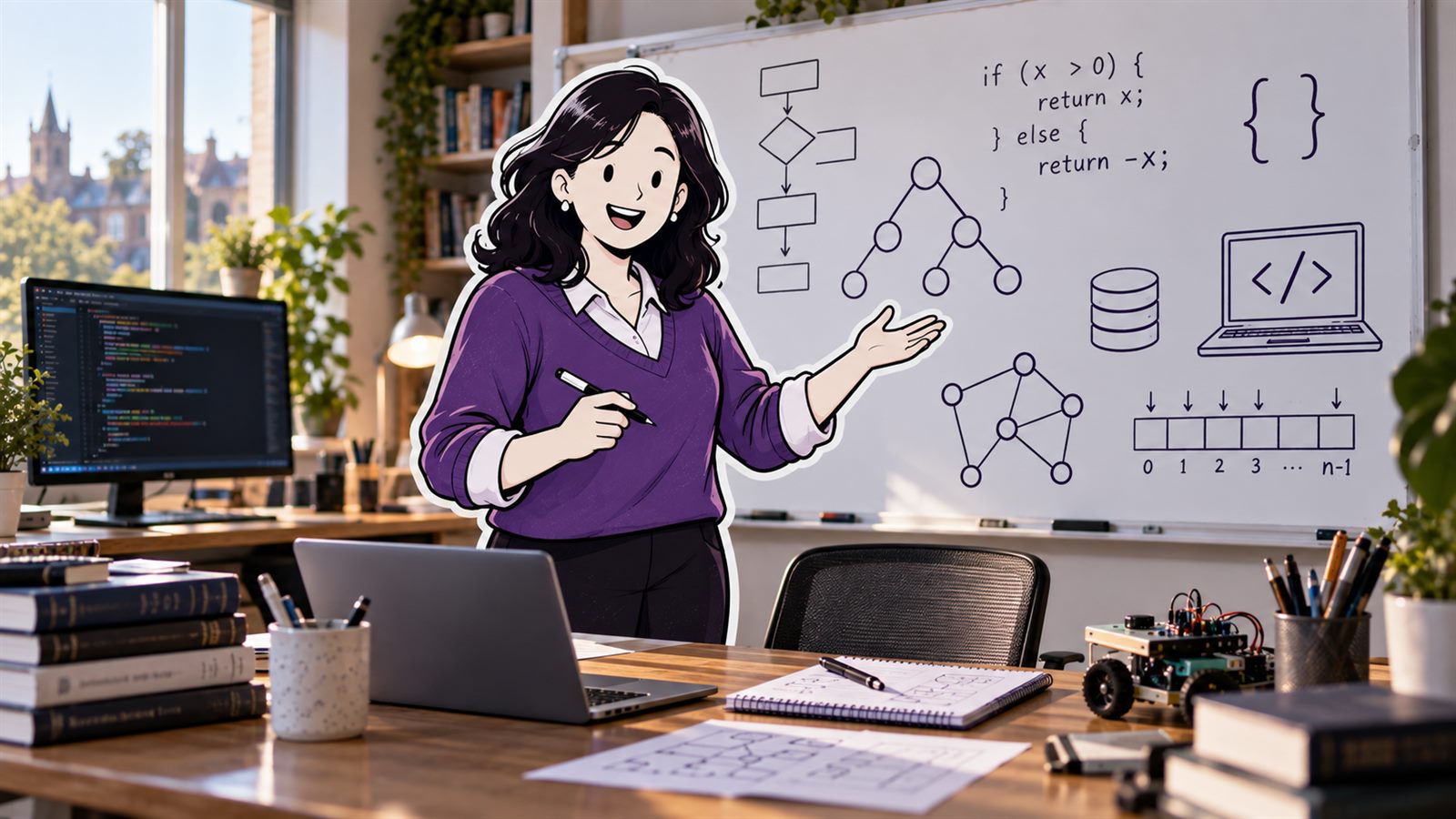
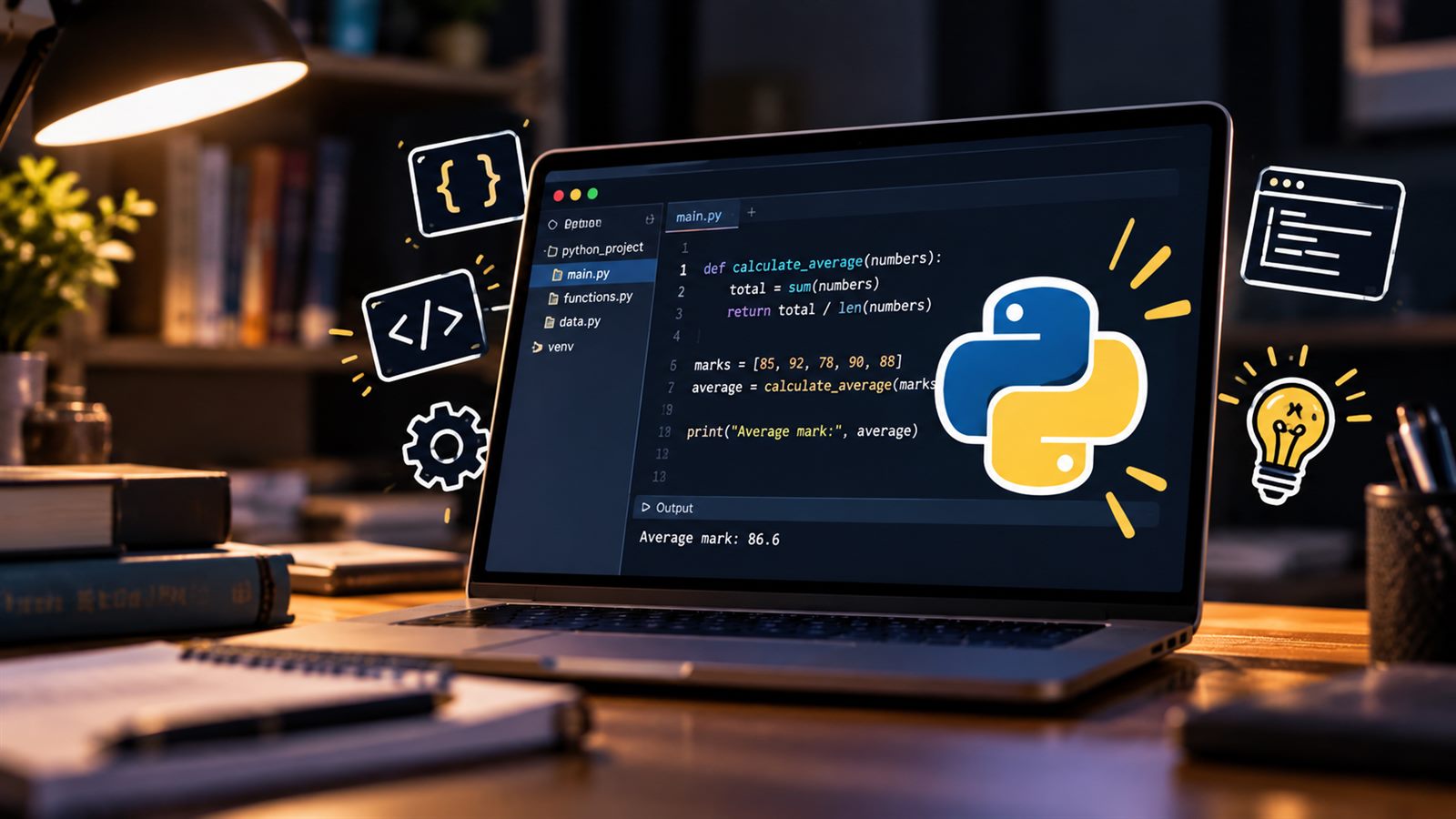
A computer science tutor at a whiteboard of flowcharts, a binary tree, a graph and an if statement, with code on a monitor. A laptop showing a Python program that works out an average mark, with its output below the code. A family at the kitchen table reading a school report together.
The short answer

KS3 Computer Science Tutoring at a Glance

Richmond Tutoring offers 1-to-1 online KS3 computer science tutoring for Years 7–9 across the UK, following your child’s own school computing course — programming and theory together.

Subject
KS3 Computer Science
Years
Years 7–9
Tuition
1-to-1 online
Students
UK students
Curriculum
Your child’s school curriculum
Lesson length
60 minutes
Price
£36 per lesson
First lesson
Free 45-minute demo
Why us

Why Parents Choose Richmond for KS3 Computer Science Tutoring

Every child starts somewhere different. We build the tutoring around their gaps, their school and their pace.

A computing plan built around your child

KS3 computing mixes programming with theory, and most children are much stronger at one than the other. We find the gaps first — whether it is writing code, algorithms, binary or how computers work — then build lessons around what your child is learning at school and where they need more support.

We make computing easier to understand

At this age, computing moves from using technology to understanding it. We use short programs, diagrams and worked examples to make ideas such as loops, binary, logic gates and networks easy to picture — so your child sees why something works rather than copying code they do not follow.

The learning shows up in their schoolwork

Your child should be able to use what they have learnt in the next computing lesson and test. We practise programming from a blank screen, tracing code, the theory vocabulary and explaining ideas clearly — building the skills that improve KS3 work and give them a stronger start at GCSE.

Where we come in

What Does a KS3 Computer Science Tutor Help With?

Every child has a different experience of KS3 computing. These are some of the concerns we hear from parents most often.

He loved computing at primary school and now he is lost.

The jump to secondary computing

Primary computing is mostly block-based and playful. At secondary school the code becomes typed, the errors become real and the theory arrives. We rebuild whatever is shaky and make the move to Python feel manageable.

She can follow the code in class but cannot write her own.

Writing code from scratch

Following a worked example and writing a program from a blank screen are different skills. We practise the second one: breaking a problem down, planning it, then building and testing it one piece at a time.

Binary and logic gates make no sense to him.

The theory side

Binary, hexadecimal, Boolean logic and how data is stored are where many students switch off. We teach them with worked examples and short programs that show the idea working, so it stops feeling abstract.

She panics when her program will not run.

Debugging and resilience

Most beginners read an error message as a verdict on them. We teach them to read it as a clue, to test small pieces as they go, and to fix problems calmly — the habit that separates confident programmers from anxious ones.

The report says he is behind, but I do not know what they are learning.

School assessments

KS3 computing has no national exam, and schools teach it in very different amounts and orders. We find out what your child is covering and how they are assessed, work on exactly that, and tell you what we see.

She is thinking about GCSE Computer Science.

Getting ready for the GCSE decision

Most students choose their GCSE options in Year 9. Tutoring builds the programming and theory GCSE Computer Science starts from, and gives an honest feel for the subject before committing to two years of it.

Year by year

KS3 Computer Science Tutors for Years 7, 8 and 9

Year 7, Year 8 and Year 9 are three different jobs. What a tutor works on changes with each one.

Year 7 Computer Science Tutoring

Year 7 is where computing turns from using computers to understanding them.

Year 7 computing tutoring settles the basics everything later rests on: what an algorithm is, sequence, selection and repetition, and moving from block-based code such as Scratch into typed code, which is where many students first get stuck.

We also start the theory early — binary, how a computer is put together, staying safe online — because it is examined for the next five years.

  • The step up from primary computing
  • Algorithms, sequence, selection and repetition
  • From block-based code to typed code

Year 8 Computer Science Tutoring

Year 8 is where programming either clicks or quietly stops.

Programs get longer, errors get harder to find, and a child who copied code successfully in Year 7 can be lost the first time they have to write it from a blank screen.

A Year 8 computing tutor builds real Python confidence — variables, loops, lists and functions — alongside the theory that starts to matter: binary arithmetic, Boolean logic and how data is stored.

  • Python from a blank screen
  • Lists, functions and debugging
  • Binary arithmetic and Boolean logic

Year 9 Computer Science Tutoring

Year 9 is the bridge, and it is when GCSE options are chosen.

Expectations rise: longer programs, searching and sorting algorithms, and theory questions that look a lot like GCSE ones. It is also the year most students decide whether to take GCSE Computer Science.

Year 9 computing tutoring closes what is left of KS3 before it becomes a GCSE gap, and gives a student an honest feel for the subject before they choose it.

  • Searching and sorting algorithms
  • Programs built from functions, not one long script
  • The GCSE option decision, made on evidence
Results

A Head Start That Shows at GCSE

9s and A*sacross our GCSE and A-Level students

KS3 has no national computing exam, so we measure progress against your child’s own school assessments and the programs they can write on their own — where they started with us, against where they are now.

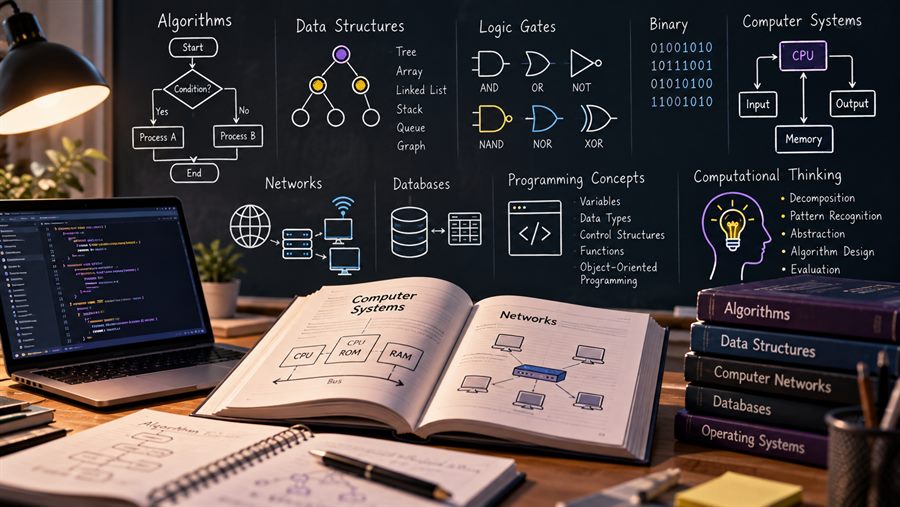
A whiteboard of computer science theory: algorithms, data structures, logic gates, binary, networks and databases.
The subject

What Does the KS3 Computing Curriculum Cover?

Key Stage 3 is the first three years of secondary school in England — Years 7, 8 and 9, typically ages 11 to 14. Computing is taught to every pupil, and computer science is at its heart.

In England, KS3 computing follows the national curriculum rather than an exam-board specification. It is statutory in maintained schools; academies and free schools set their own curriculum, and most follow it closely. Schools decide how much time it gets and the order topics come in, so it varies more between schools than almost any other subject.

That is why we ask what your child is covering in class right now, and plan around it. Lessons support the schoolwork rather than running a separate syllabus alongside it.

There is no national end-of-KS3 computing exam. Schools use their own tests and projects to track progress, and in Year 9 most students decide whether to take GCSE Computer Science.

For students elsewhere in the UK, lessons follow their school’s curriculum and year group in the same way.

The KS3 computing curriculum covers:

  • Programming: at least two programming languages, at least one of them text-based — usually Scratch and Python — with variables, selection, iteration, lists and functions
  • Algorithms: computational thinking, decomposition and abstraction, searching and sorting algorithms, and comparing algorithms using logical reasoning
  • Data and logic: binary numbers and simple binary arithmetic, how text, sound and images are stored as binary, and Boolean logic (AND, OR, NOT)
  • Computer systems: hardware and software, how instructions are stored and run, and how computers communicate over networks and the internet
  • Using technology safely: protecting online identity and privacy, recognising risks, and using technology respectfully and responsibly
How it works

How Our KS3 Computer Science Tutoring Works

Three steps, and you meet the tutor in a real lesson before deciding anything.

  1. 1
    Two parents at the kitchen table on a video call, a phone propped up in front of them.
    Step one

    Tell us about your child

    Fill in the form or send us a WhatsApp message. We arrange the free demo class and match your child with a specialist KS3 computer science tutor.

  2. 2
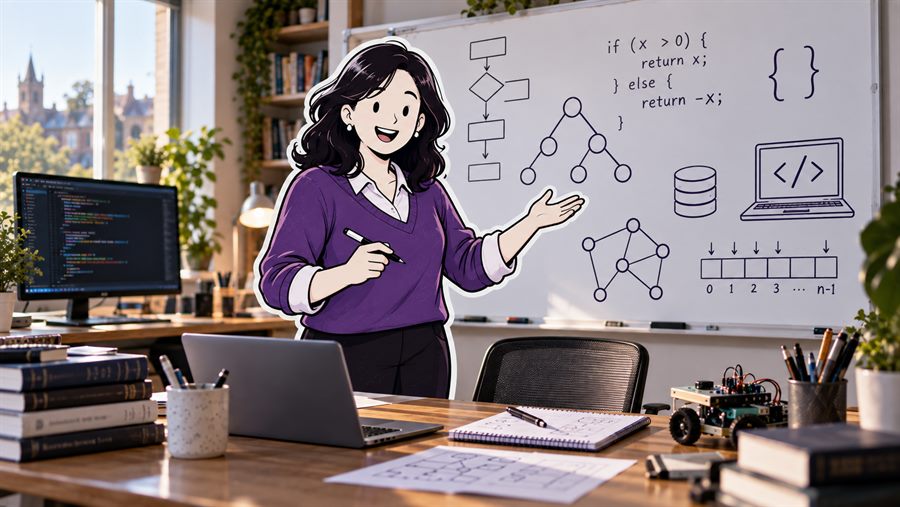
    A computer science tutor at a whiteboard of flowcharts and code.
    Step two

    Take the demo class

    Take the free 45-minute lesson, and sit in if you want to. See how the lesson goes, ask us everything you want to ask, and only go ahead with KS3 computer science lessons if you are convinced.

  3. 3
    A family at the dining table looking pleased with a school report.
    Step three

    Lessons begin

    Lessons begin, weekly. Your child starts learning the KS3 computer science they were stuck on, and that shows up in their class work and their school tests.

Cost

What Will KS3 Computer Science Tuition Cost?

At Richmond Tutoring, the price for each 60-minute lesson of computer science for KS3 is as follows:

£36per hour

  • No contract
  • No placement fee
  • First lesson free
Questions

FAQs

What is KS3 computing?

KS3 computing is the computing taught in the first three years of secondary school — Years 7, 8 and 9. In England it is part of the national curriculum for every pupil, and it covers programming, algorithms, how computers and networks work, how data is represented, and using technology safely.

Is KS3 computing the same as computer science?

It is the foundation of it. The national curriculum subject is called computing, and at KS3 it covers computer science — programming and how computers work — alongside information technology and digital literacy. GCSE Computer Science, which students can choose in Year 9, then goes much deeper into the computer science part.

Is there an exam at the end of KS3 computing?

No. There is no national KS3 computing exam and no exam board. Schools assess progress with their own tests and projects, and the order and amount of computing taught varies a lot from school to school, which is why we ask what your child is covering in class right now.

Which programming language will my child learn?

The national curriculum asks for at least two programming languages, at least one of them text-based. Most schools start with a block-based language such as Scratch and move to Python. We teach whichever your child uses at school, and Python is the one GCSE students most often go on to use.

How much does a KS3 computer science tutor cost?

£36 for a 60-minute 1-to-1 lesson, the same as every other subject and level we teach. There is no placement fee and no contract — you pay per lesson and can pause whenever you like. The first 45-minute lesson is free.

Should my child take GCSE Computer Science?

It suits students who enjoy solving problems and are willing to practise programming regularly, and it helps with maths and the sciences. It is a demanding GCSE, with the theory and programming both examined. After a few lessons we can give you an honest view of whether it is a good choice for your child. See GCSE computer science tutoring for what the course involves.

Can programming be taught well online?

Yes — it is one of the easiest subjects to teach online. Student and tutor look at the same code, run it and trace it line by line together, and theory such as binary and logic works well on a shared whiteboard. Every lesson is recorded so revision is just watching it back.

Is Year 7 too early for a computing tutor?

Usually, yes — most Year 7 students do not need weekly lessons. It is worth it when a child is keen and wants to go further than school allows, or when the move to typed code has knocked their confidence. A short run of lessons is often enough, and we will say so after the free demo class.

How often should a KS3 student have computing lessons?

Once a week suits most students, with a little programming practice in between. For one specific gap, a project, or an assessment coming up, a shorter focused run works just as well, and you can stop at any time.

Is KS3 computer science tutoring available near me?

Yes. Every lesson is online and 1-to-1, so KS3 computer science tutoring is available wherever you are in the UK — there is no travel and nothing depends on how far you live from us.

Most of the families we teach are in and around south-west London, and we also teach students across the rest of the UK. Places our students come from include Brentford, Turnham Green, Parsons Green, Surbiton, Hampton Wick, Osterley, Grove Park, Fulham, Kingston upon Thames, Hampton Hill, Hounslow West, Kew, Barons Court, Barnes, Hampton, Hounslow, Kew Bridge, Ravenscourt Park, East Sheen, Teddington, Isleworth, Gunnersbury, Hammersmith, North Sheen, Whitton, Heathfield, Chiswick, Ealing Common, Mortlake, Strawberry Hill, Fulwell, Ashford, Ealing, Petersham, St Margarets, North Twickenham, Sunbury, South Acton, Ham, Twickenham, West Twickenham, Feltham, Acton, West Kensington, Wimbledon, East Twickenham, Hanworth, Bedford Park, Brook Green, Tolworth, Richmond Hill, Syon, Stamford Brook, Shepherd’s Bush, Hampton Court, Richmond.
Book a free 45-minute KS3 computer science demo class

A real lesson, one to one, with a computer science specialist — free, before you decide anything. Tell us the year group and whether it is the coding or the theory that is going wrong, and we will tell you honestly whether we can help.

  • No placement fee, no contract, nothing to sign
  • We reply to every enquiry the same day

Ask for the demo class

Five boxes, and we have filled two of them in for you.

We only use your details to answer this enquiry. Privacy · Terms

Thank you — that’s with us.

We’ll be in touch to arrange the demo class, usually the same day. If it’s urgent, ring 07901 286606.

Free 45-minute demo class. Tell us the year group and the exam board.

07901 286606 Book a free demo class